
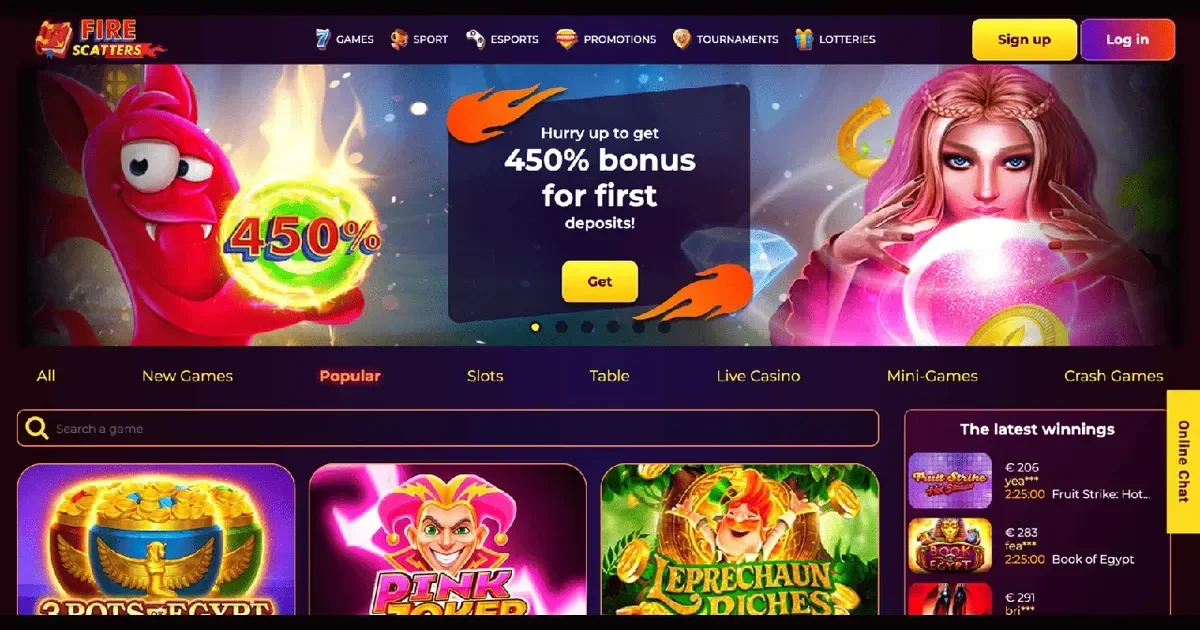
Playing Firescatters from a phone
Firescatters doesn't publish a dedicated mobile app anywhere in its own terms or promotional pages, so this guide covers what's actually confirmed: playing through a mobile browser. That's not necessarily a downgrade – most operators of this type run a responsive site rather than a separate application, and it means there's nothing to install, update or worry about clogging up storage. You open the site the same way you'd open any other page, log in, and the layout adjusts to your screen.
Worth knowing upfront: because there's no confirmed app, we're not going to pretend one exists just to fill out this page. If that changes, the operator's own site is where you'd find out first.
What the operator actually provides on mobile
The core of the experience travels well to a smaller screen. Slots, a chunk of the table game selection (blackjack, roulette, baccarat, craps) and the sportsbook are all playable through the browser, and registration itself is designed for a few taps: entering an email address, your name, date of birth and phone number doesn't need a desktop keyboard.
- Slots and scratch cards – generally the smoothest fit for touchscreens
- Table games – blackjack, roulette, baccarat, craps
- Sports and esports betting, including the accumulator and multiple-bet options
- Account basics – registration, deposits, and checking bet history
The Bet Buyout feature for closing a bet early is one of the more useful things to have on a phone specifically, since it's the kind of decision you're often making away from a desk, mid-match, with limited time to think.
Where mobile falls short
Live dealer tables and anything leaning on high-resolution video streams tend to be the first casualty of a small screen and a patchy connection – buffering and dropped frames are more noticeable on mobile data than on wifi. Verification is another area worth planning for on a phone: if you're asked to submit a passport or ID photo, a utility bill, or card images with the middle digits hidden, doing that through a phone's camera and a mobile browser's file upload is fiddlier than on a laptop. It's not impossible, just slower, and it's exactly the kind of task better done somewhere with a stable connection rather than mid-commute.
Bingo, cybergames and lottery-style sections – less central to the operator's offering overall – are the sort of feature that can feel cramped once squeezed onto a phone display, with smaller tap targets and more scrolling than on desktop.
A few practical tips before you play on the go
- Play on wifi where you can, especially for anything with live video or verification uploads.
- Keep your battery topped up – a session that cuts out mid-bet on a live sports market is a bad time to find your phone at 4%.
- Have your ID documents saved somewhere accessible on the phone itself, so verification doesn't turn into a scramble between apps.
- Bookmark the login page rather than searching for it each time, to avoid landing on the wrong site by mistake.
None of this is unique to Firescatters – it's just what makes mobile browser play go smoothly anywhere, and it applies whether you're checking a sports market between meetings or spinning a few slots on the sofa.
Staying in control on a device you carry everywhere
A phone is the one device most people have on them constantly, which is exactly why it's worth being deliberate about session length when playing on it. There's a real difference between a planned session at a desk and picking the phone up out of habit during downtime. If you ever feel gambling on mobile is creeping from something occasional into something automatic, self-exclusion is available on request through support, and runs for 30 days once activated. Support is reachable via online chat or email, 24/7. This is 18+ content throughout, and free, confidential help is available from BeGambleAware and the GamCare National Gambling Helpline on 0808 8020 133.