
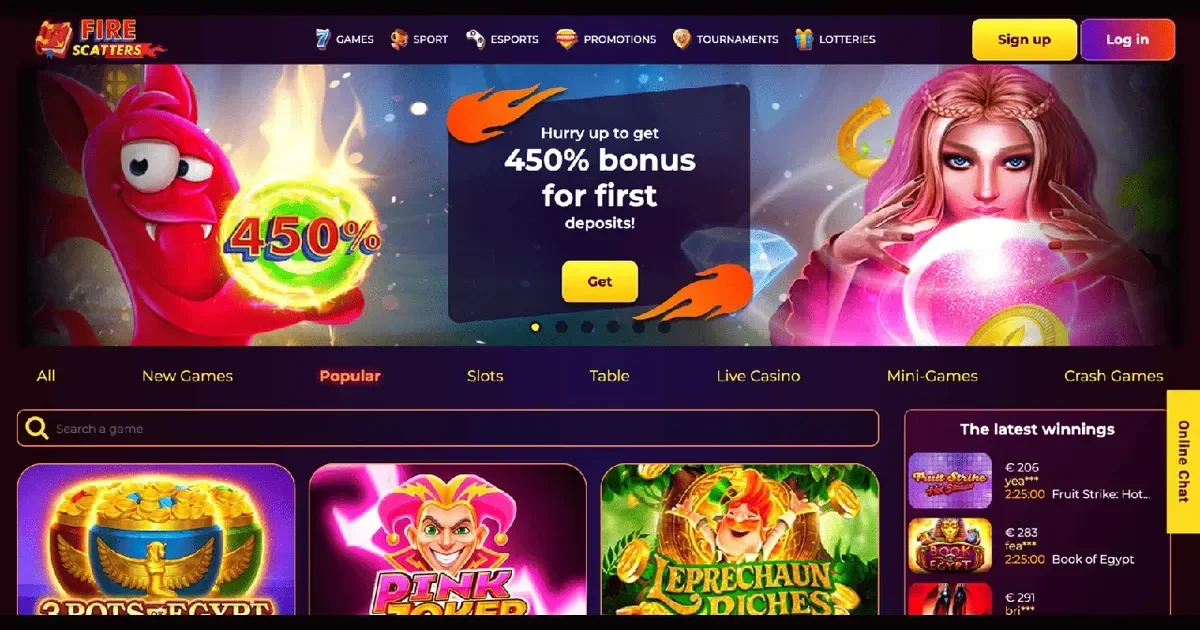
Signing in at Firescatters
This page explains how account access works at Firescatters, the online casino and sportsbook covered on this independent portal. We are not affiliated with the operator, and we have no way to view, restore or unblock a player's account – for anything account-specific you'll need to go through Firescatters' own support channels. What follows is a plain guide to the sign-in process, the reasons it sometimes fails, and who to contact when it does.
Firescatters itself sits at its own web address, separate from ours, and that's where the account – and the sign-in box – actually lives. We simply explain how the process works from the outside.
What signing in requires
According to Firescatters' own registration process, an account is created with an email address, full name, date of birth and phone number, plus a password chosen at sign-up. Those same credentials – email and password – are what you use to sign back in on any later visit, whether from a desktop browser or a mobile one. There's no separate app login described anywhere in the operator's published terms, so the sign-in route is the same browser-based one on any device.
- Email address used at registration
- Password created during sign-up
- A verified account, once withdrawals or higher activity are involved
When it does not work
Most login problems trace back to one of a handful of ordinary causes rather than anything technical. Worth checking, in order:
- Wrong email or password – the most common cause by far, often a typo or an old saved password
- Caps lock or autofill inserting an outdated credential
- An account flagged during Firescatters' own review process, which the operator can apply while checking a transaction or a document
- A browser session or cookie issue, particularly after clearing site data
None of these are faults with our site – they sit entirely on the operator's side, which is exactly why the fix has to come from Firescatters' own support rather than from us.
Account restrictions and self-exclusion
Sometimes a login "failure" isn't a bug at all – it's the account working as intended. Firescatters allows players to request self-exclusion, which the operator states runs for 30 days from the date it's activated. During that period, sign-in is deliberately blocked, and there's no workaround we can offer or should offer: a self-exclusion is a safety measure, not a technical fault. If a restriction feels wrong, or was applied for a reason you don't understand, the operator's support team is the only party who can review it. We'd add that this kind of block is often exactly what someone needs at the time, even if it doesn't feel that way in the moment.
Firescatters also lists a set of restricted countries under its terms. Access from one of these locations can appear as a login failure even where the credentials are correct – that's a geographic block, not an account problem, and again it isn't something support tickets from us can change.
Getting back in: password recovery
A forgotten password is normally resolved through Firescatters' own account recovery route, using the email address registered on the account. We don't run that process, and we'd never ask you to send a password to us or to anyone claiming to represent this portal – any message asking for your credentials directly is worth treating with suspicion, wherever it appears to come from. If a reset email doesn't arrive, check spam folders first, then contact the operator's support directly rather than trying repeated login attempts.
Verification and why it matters at login
Firescatters requires identity verification once withdrawals exceed 1,000 EUR, asking for a passport or ID copy plus a utility bill confirming address – mobile bills aren't accepted. Card deposits need front-and-back copies with the CVV2 hidden. An account mid-verification, or one where a document was rejected, can sometimes behave as though login itself is broken, when really it's a hold on functionality rather than a blocked password. Getting a rejected document re-checked is, again, something only the operator's own support can sort out.
Registration, briefly
New accounts are created directly on the operator's own site, not here. Firescatters' process asks for an email, name, date of birth and phone number before a password is set – full step-by-step guidance sits on the operator's own platform rather than on this portal.
Contacting support
Firescatters lists online chat and email support, available 24/7, as its main contact channels. Anything genuinely account-specific – a locked login, a rejected document, a payment stuck mid-review – needs to go through one of those routes rather than through us. For questions about this portal's own content, you can reach our editorial team at [email protected], though we'd stress again that we can't act on anyone's behalf regarding an actual Firescatters account.
Responsible gambling
If a login block relates to a period of struggling with gambling rather than a technical hitch, that's worth taking seriously rather than working around. Free, confidential support is available around the clock from the National Gambling Helpline on 0808 8020 133, and from BeGambleAware.org. Players wanting a fuller break than Firescatters' own 30-day self-exclusion can register with GamStop for free, UK-wide self-exclusion across licensed sites. Access to this content, and to any gambling account, is restricted to those aged 18+.
This content is provided for information and marketing purposes. We are not a gambling operator, bookmaker or organiser of betting or gaming activity. This site is restricted to visitors aged 18 and over (18+). Free, confidential support with gambling is available at BeGambleAware.org.